
_copy_6b59cfc2_90870a01.avif&w=1080&q=75)


Troubleshooting CPAP for Sleep Apnea: Fix Leaks, Dry Mouth, and Common Comfort Issues
If your therapy feels noisy, leaky, or drying, this quick guide will help you tune your setup so cpap for sleep apnea stays comfortable and effective from night one.
Fast Fixes for the Most Common Problems
1) Leaks: fit, style, and liners
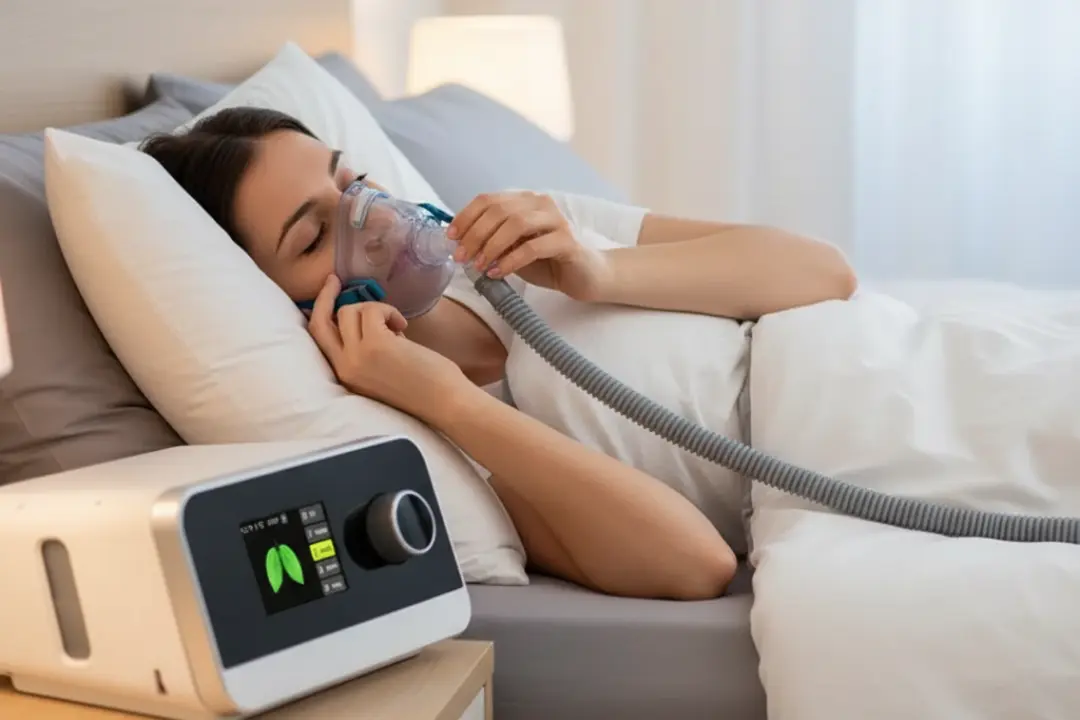
Most leaks come from fit or mask style. Refit while lying down with the machine running, then tighten straps just enough to seal. If you’re a side-sleeper or mouth-breather, consider switching mask style—see our comparison of options for side sleepers and mouth breathers: full-face vs nasal pillow. Soft cpap mask liners can cushion skin and improve seal. Check for worn cushions and replace as needed.
2) Dry mouth or stuffy nose
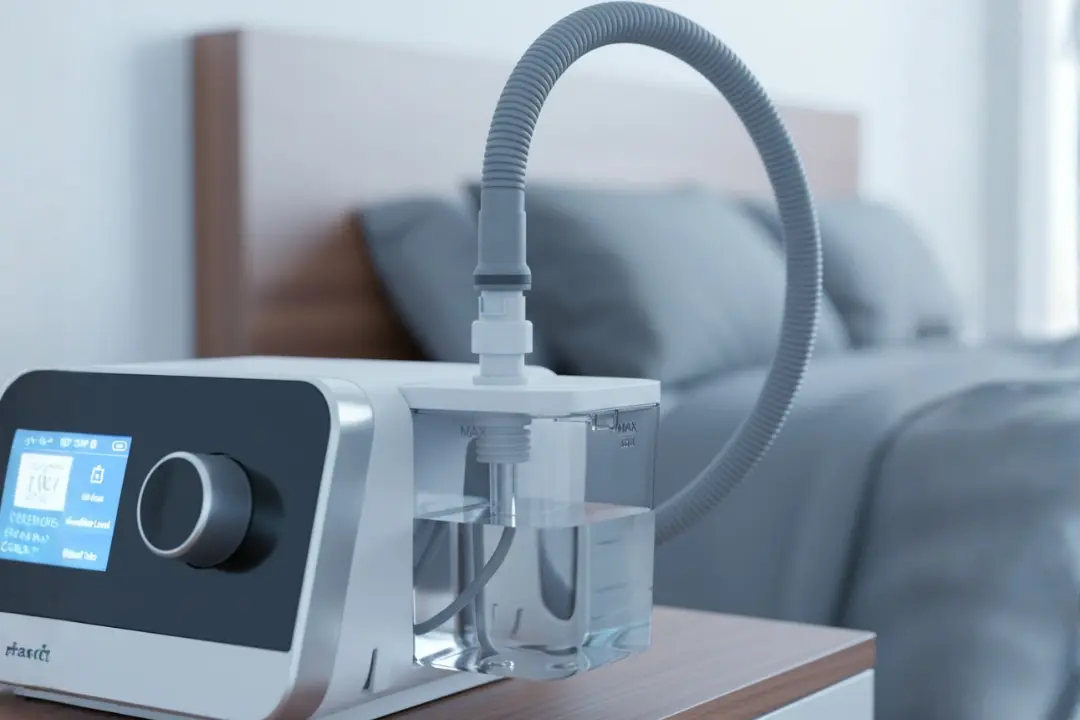
Increase humidifier level and enable heated cpap tubing to reduce condensation and dryness. If air escapes from your mouth, try a chin strap or a full-face cpap masks style. For setup details, see our CPAP humidifier guide.
3) Noise and vibration
Noise often comes from partial leaks, loose cpap tubing connections, or the machine vibrating on a hard surface. Reseat the hose firmly, add a soft mat under the unit, and replace cracked tubing or filters. Keep the machine below pillow height to reduce hose tugging.
Maintenance that Prevents Future Issues
Rinse mask parts daily, deep-clean weekly, and replace filters regularly to keep any sleep apnea machine performing well. Inspect hose ends and the swivel for wear; swap parts before they fail. For upgrades or replacements, browse our range of machines, masks, hoses, and essentials at the Sleepap Shop—a broad selection of CPAP & BiPAP devices with accessories.
When the Basics Aren’t Enough
For many users, dialing in comfort keeps cpap for sleep apnea running smoothly. If problems persist, confirm your pressure settings with your clinic, consider a different mask style, and review device logs. The Sleep Foundation also shares practical CPAP troubleshooting and cleaning steps you can follow at home (external guide).
Conclusion
With a few targeted adjustments—better fit, humidity, and fresh filters—cpap for sleep apnea can feel quiet, leak-free, and comfortable. Keep parts clean, replace worn items on schedule, and use the right mask style for your sleep position.
Frequently Asked Questions
Why does my CPAP machine keep beeping?
Alerts usually indicate leaks, low pressure, a disconnected hose, or a clogged/incorrectly seated filter. Refit the mask, reseat tubing, and check filters.
How do I fix a noisy CPAP machine?
Seal minor leaks, reseat the hose, place the device on a soft pad, and replace worn tubing or filters. If noise persists, contact support.
Why do I wake up after 4 hours on my CPAP machine?
Common causes include mask discomfort, dryness, or pressure ramp ending too low/high. Adjust humidity, explore different masks, or tweak ramp per your clinician’s advice.
What is a common failure with a CPAP machine?
Filter and tubing wear are most common, followed by humidifier chamber leaks. Regular maintenance prevents most issues—see our tubing & humidity tips.
What to do when CPAP fails?
Swap to a spare mask/tube, inspect power and filters, and contact your provider. If you need replacements fast, visit the Sleepap Shop for machines and essentials.


